Your streams, edited into YouTube videos.
Videro watches your whole stream, any length, finds your best moments, and edits a polished, ready-to-post video. It gets the intro, highlights, context, funny moments — the full timeline. No editing required.
Start with 2.5 hours free · two simple plans · your channel, your content.
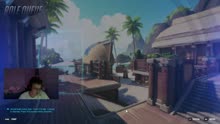
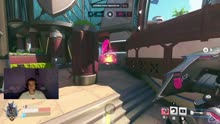
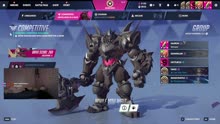

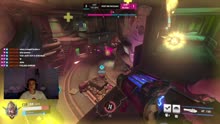

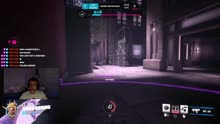
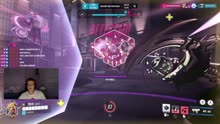
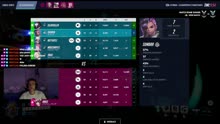
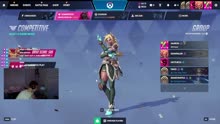

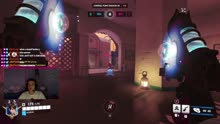



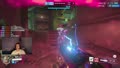









How it works
From stream to finished video in three steps
No timeline, no scrubbing, no exporting. Videro does the editing.
 3:48:12
 1:52:40
 4:10:08
 2:31:55
 5:02:17
 1:14:33
Connect your Twitch
One click and we pull in your past broadcasts automatically. Nothing to upload, nothing to install. Your whole VOD library, ready to go.
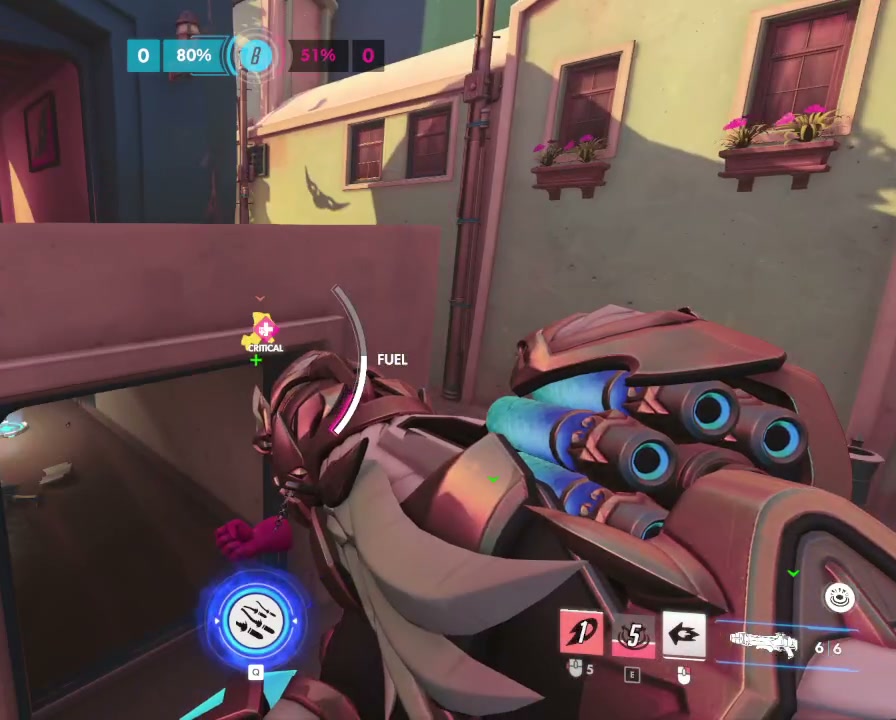
Pick a VOD
Choose any stream, any length. Videro watches the footage and listens to the audio to find every moment worth keeping.
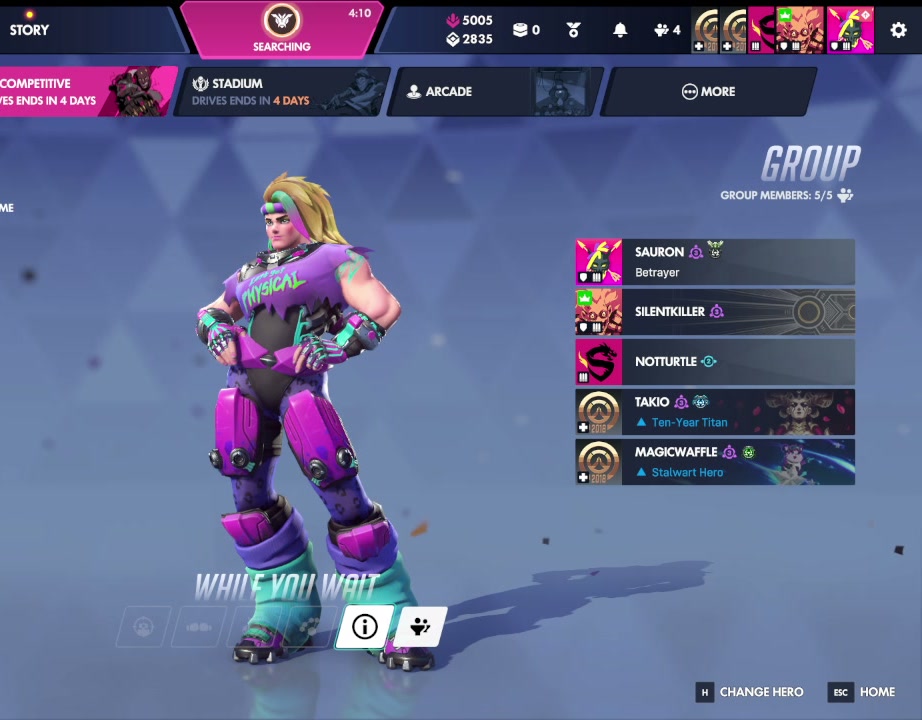
Get your video
It assembles the best moments into a finished, 1080p video — the intro, highlights, context, funny moments, the full timeline. Then download it, ready to post to YouTube.
Built for YouTube
Clip tools make shorts. Videro makes videos.
Clip tools are built for short form: fast, vertical, context-free fragments made for the scroll. Videro is built for YouTube. It studies your entire stream and edits one complete, structured video your subscribers actually sit down and watch.
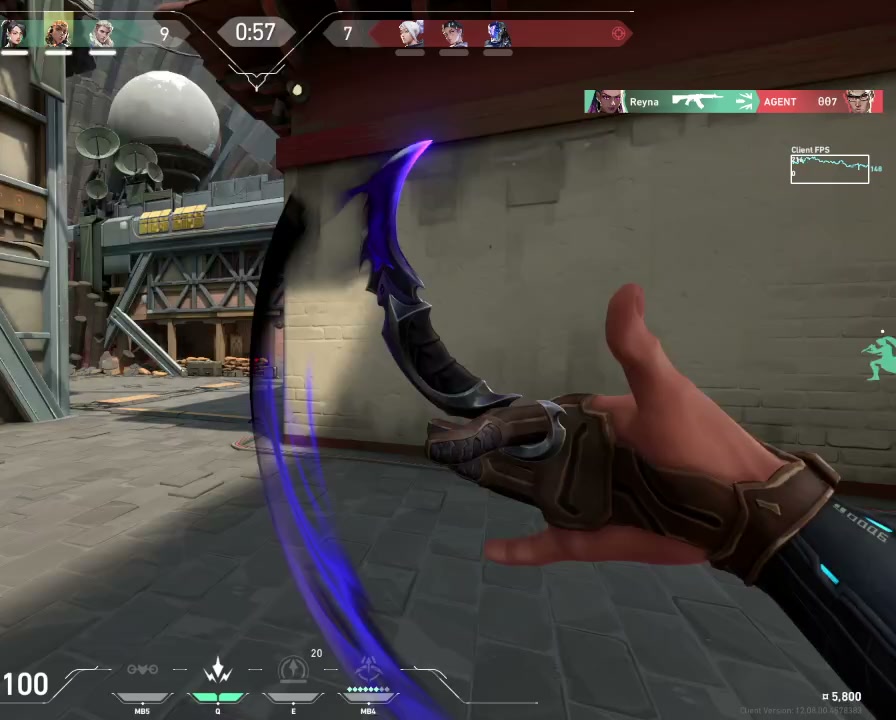
0:310:440:28Vertical fragments. No setup, no payoff.
Every cut is weighed against the whole stream at once
Pricing
Two simple plans.
Each plan includes a set number of hours every month. A 1-hour or a 10-hour VOD costs only the hours it runs.
Creator
25 hours / month
- Any stream length, start to finish
- 50 GB of editable storage
- 1080p export
- Download your finished video, ready to post
Pro
60 hours / month
- Everything in Creator
- 150 GB of editable storage
- 60 hours every month
- Best value for heavy editors
Every plan starts with 2.5 hours free. $0 today — add a card and you're only charged once you go past the free hours. Each video bills a 2.5-hour minimum, then rounds up to the next 30 minutes. Hours reset monthly and don't roll over.
Monthly plans have no contract — cancel anytime.
Ready to turn your streams into videos?
Connect your Twitch channel and make your first video in minutes.